

KNPL Variance Project Documentation
Access and Login
Steps to Access
- Open a web browser on your local machine.
- Navigate to the Variance Project Dashboard URL:
http://localhost:8080/variance. - Alternatively, use the pinned taskbar shortcut or the desktop shortcut for quick access.
Login Page Overview
Upon launching the application, you will be directed to the Login Page. The page consists of the following elements:
- Username – Enter your assigned user ID.
- Password – Enter your password credentials.
- Login Button – Click to authenticate and access the dashboard.
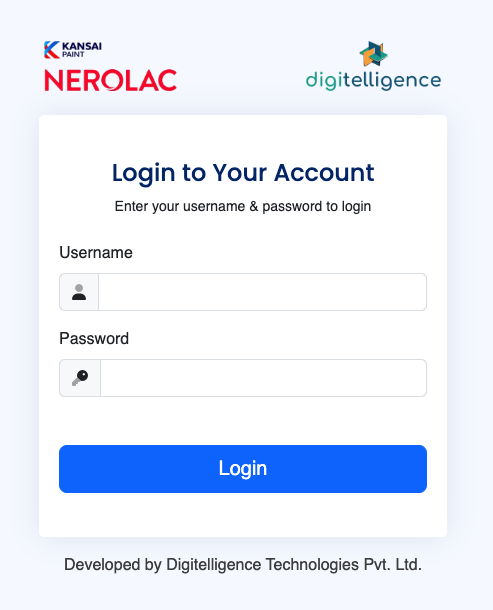
Figure: Variance Project Dashboard Login Page
Password Management
- Change Password: After logging in, users can update their password through the settings page to maintain account security.
- Forgotten Password: Contact the system administrator for assistance with password reset.
- Ensure passwords meet the organization’s complexity requirements for security compliance.
Note: Always log out after finishing your session, especially on shared computers, to prevent unauthorized access.